Tempora
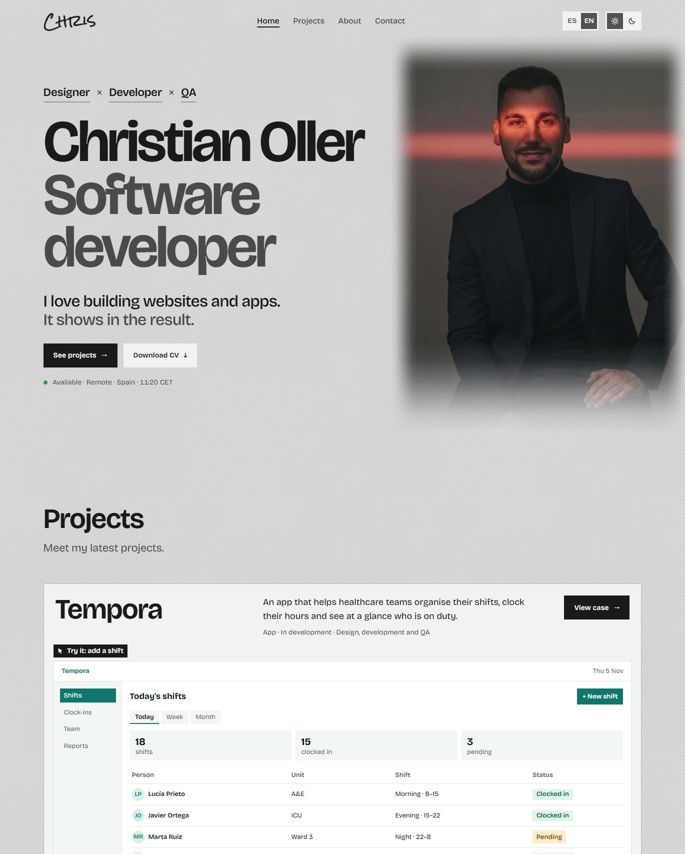
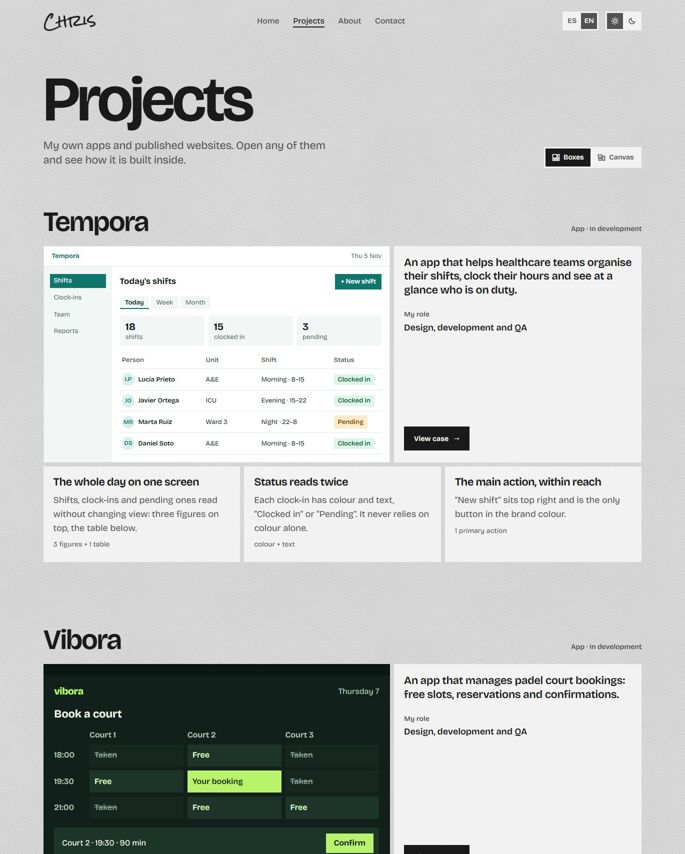
An app that helps healthcare teams organise their shifts, clock their hours and see at a glance who is on duty.
- My role
- Design, development and QA
- Status
- App · In development
The problem
In a hospital unit, knowing who is working today, who has clocked in and how many hours each person has done usually depends on spreadsheets and scattered messages.
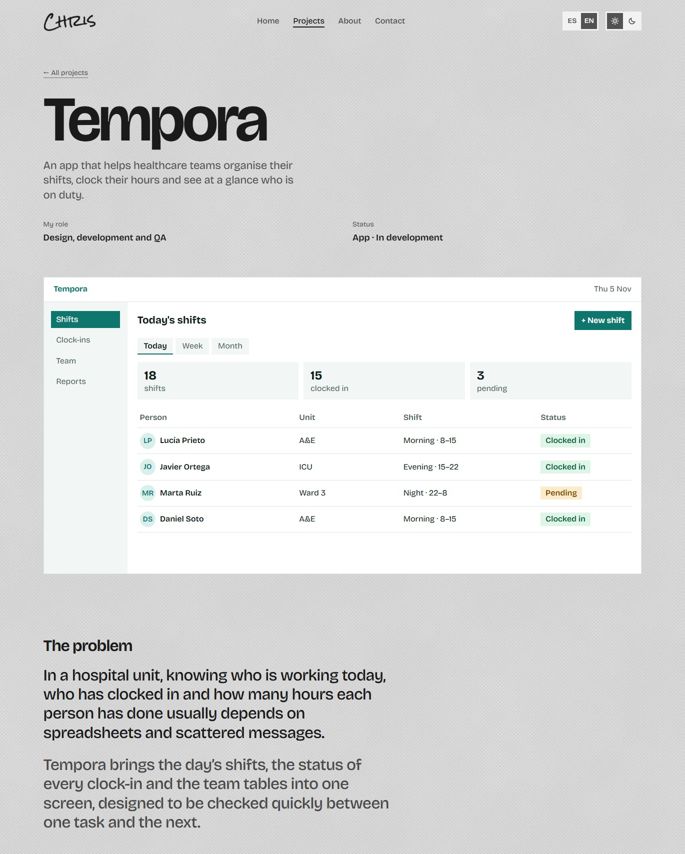
Tempora brings the day’s shifts, the status of every clock-in and the team tables into one screen, designed to be checked quickly between one task and the next.
From sketch to ink
The key screen, in pencil first. Scroll and it gets inked.
Decisions
-
The whole day on one screen
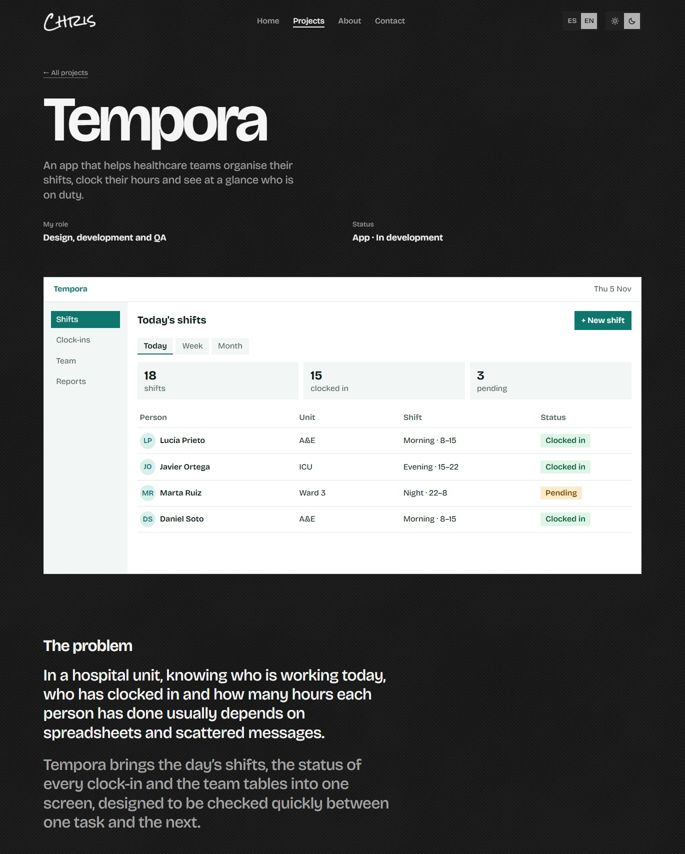
Shifts, clock-ins and pending ones read without changing view: three figures on top, the table below.
3 figures + 1 table
-
Status reads twice
Each clock-in has colour and text, “Clocked in” or “Pending”. It never relies on colour alone.
colour + text
-
The main action, within reach
“New shift” sits top right and is the only button in the brand colour.
1 primary action
Code
The piece next to this is real: touch it. This is the code that drives it on this page.
src/scripts/project-demos.ts
type Person = { name: string; initials: string; unit: string; shift: string };

function tempora(root: HTMLElement, target: Element) {
  const [shifts, done, pending] = root.querySelectorAll('[data-demo-stat]');
  const info = data<{ next: Person[]; done: string; say: { added: string; clocked: string } }>(root);

  if (target.closest('[data-demo-add]')) {
    const template = root.querySelector<HTMLTemplateElement>('template[data-demo-row]');
    const head = root.querySelector('.tp-row--head');
    const row = template?.content.firstElementChild?.cloneNode(true) as HTMLElement | undefined;
    if (!row || !head) return;
    const turn = Number(root.dataset.demoTurn ?? 0);
    const person = info.next[turn % info.next.length];
    root.dataset.demoTurn = String(turn + 1);
    const [who, unit, shift] = row.children;
    who.querySelector('i')!.textContent = person.initials;
    who.querySelector('b')!.textContent = person.name;
    unit.textContent = person.unit;
    shift.textContent = person.shift;
    head.after(row);
    bump(shifts, 1);
    bump(pending, 1);
    const rows = root.querySelectorAll('.tp-row:not(.tp-row--head)');
    if (rows.length > 6) rows[rows.length - 1].remove();
    say(root, info.say.added, { name: person.name, shift: person.shift });
    return;
  }

  const chip = target.closest<HTMLElement>('[data-demo-clock]');
  if (chip) {
    const row = chip.closest('.tp-row');
    const person = row?.querySelector('.tp-person')?.cloneNode(true) as HTMLElement | undefined;
    person?.querySelector('i')?.remove();
    const name = person?.textContent?.trim() ?? '';
    const following = [...root.querySelectorAll<HTMLElement>('[data-demo-clock]')].find((el) => el !== chip);
    chip.textContent = info.done;
    chip.classList.remove('is-pending');
    chip.removeAttribute('data-demo-clock');
    chip.setAttribute('disabled', '');
    replay(chip, 'is-just');
    bump(done, 1);
    bump(pending, -1);
    (following ?? root.querySelector<HTMLElement>('[data-demo-add]'))?.focus({ preventScroll: true });
    say(root, info.say.clocked, { name });
  }
}
Try it: add a shift
Tests
Checked right now, in your browser, on the piece above.
Result
What it does
- Shift rota by day, week and month
- Clock-in and clock-out for every person
- Staff tables with each person’s unit and status
A table gets designed too.
What I enjoyed most: fitting a lot of information on a single screen without it feeling heavy.